

Edsby
Students, teachers, parents and administrators
The main Edsby app. Use it with any Edsby account. Enter your Edsby server address, which you get from your school, then your Edsby username and password.

Edsby apps
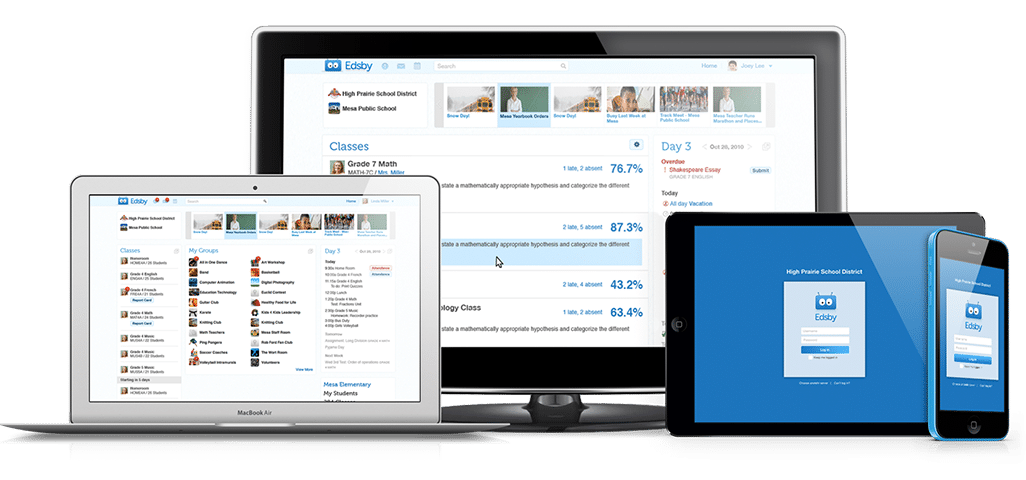
Edsby works in any web browser. The apps put your classes, grades, messages and schedule in your pocket, on iPhone, iPad and Android.
Choose your app
Both are free to download from the App Store and Google Play.
Students, teachers, parents and administrators
The main Edsby app. Use it with any Edsby account. Enter your Edsby server address, which you get from your school, then your Edsby username and password.

Teachers, on shared devices
A companion app just for adding pictures of student work to Edsby. Scan the QR codes teachers generate and the work is instantly matched to the right student.
Why mobile
Whatever technology your students and teachers have, Edsby works on it.
Not every family has a home computer, but nearly all have a modern mobile phone. The apps get the whole family involved in their children’s education.
Almost everyone needs the main Edsby app. Edsby Capture is only for teachers who photograph student work on a shared device.
Your school or district gives it to you, because every organization has its own. How to log in to your Edsby system.
Yes. Edsby works in any modern web browser. See the supported browsers.
iPhone and iPad, and Android phones and tablets. About smartphones and tablets.