

How e-learning platforms shape student motivation and engagement
Learn role of e-learning platforms in improving student motivation & engagement for better learning
Personalized learning
The personalized learning platform for K‑12 that empowers schools to build personalized learning plans, engage families, and make personalized learning in education a reality.

How it works
Three parts of personalized learning, in one platform built just for K-12.
Students don’t all learn the same way, or at the same pace.
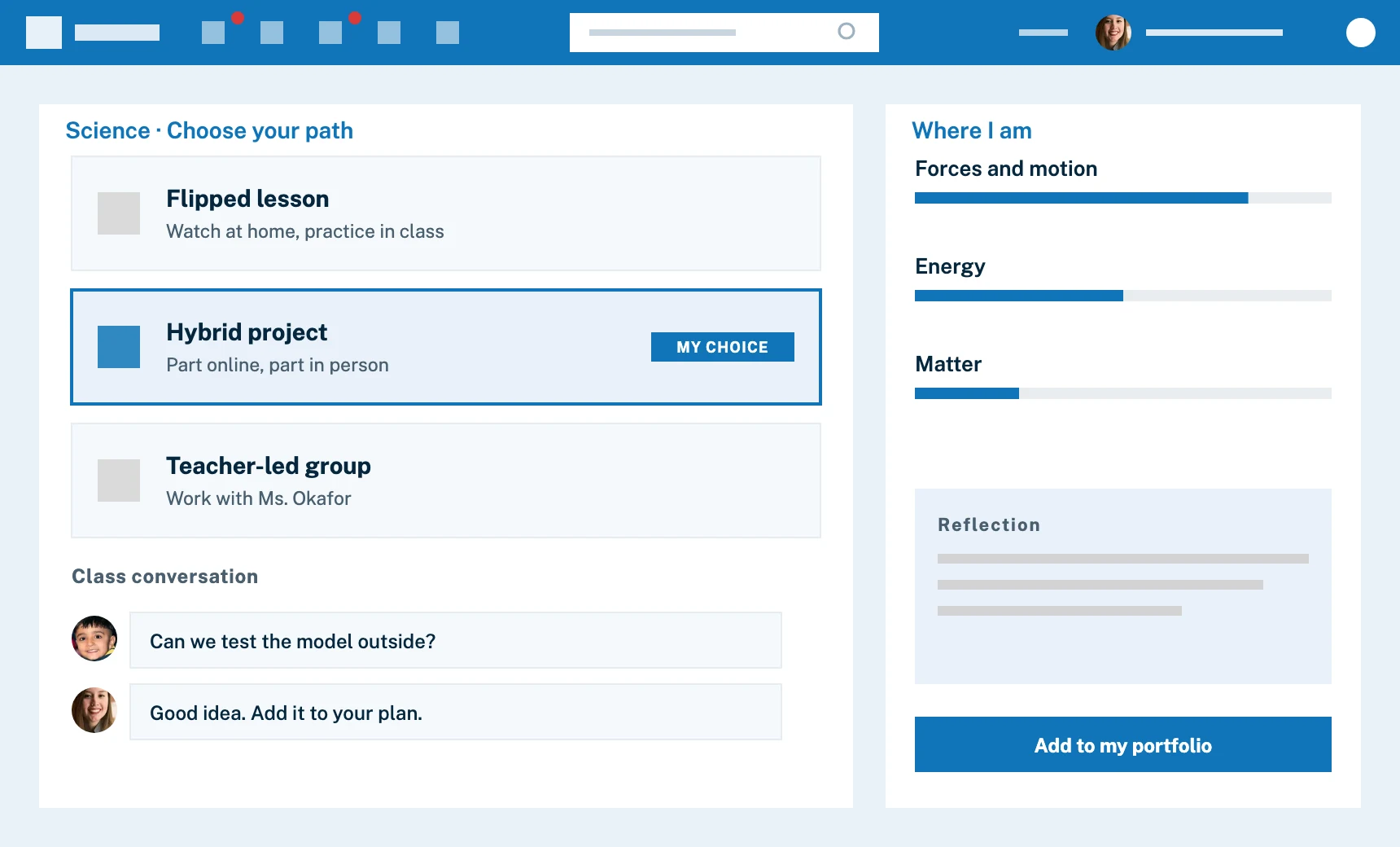
Educators can employ flipped or hybrid models that give students the freedom to learn in the ways that work best for them. The Edsby class is a social media-like space for every class in every school in your organization. The right students and teachers are added automatically from your official systems, so staff doesn’t have to manage it. It’s a safe, structured place for a class to interact, share and learn digital citizenship, where even shy kids get a voice.
Edsby facilitates learning in the physical classroom, via online distance learning, or a mix of the two.
Students document their progress and can reflect on their learning with many different mechanisms in Edsby. And they can participate in conversations around their assessments—enhancing ownership and metacognition.
Evidence capture is especially valuable in early years. Photo or video evidence of students’ work can be captured, tagged to learning standards or goals, and shared with families. Students and their parents always see their growth in learning. Students can conveniently submit media evidence of their learning via upload or via QR-code.
Guardrails help keep students focused on what matters in their learning.
Edsby’s classroom feeds and group spaces resemble social media, yet remain safe and structured. They provide places where students interact, ask questions, and engage at their own pace and style.
Clarity & structure help build student confidence. Edsby ensures students always know their schedules, assignments, competencies they’re being assessed to, and upcoming and overdue tasks. Having this information builds student confidence and self-regulated learning.

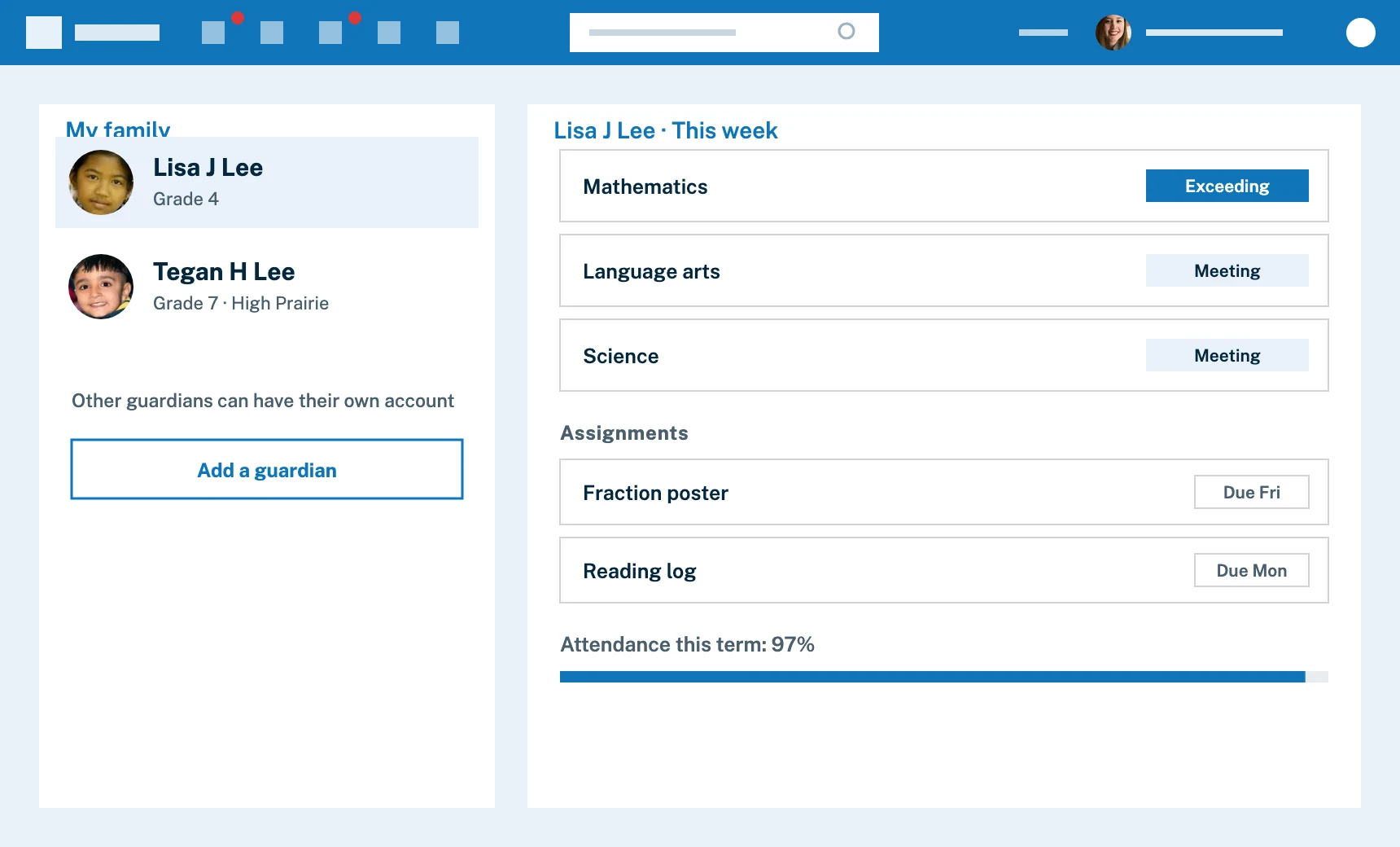
Parent involvement is critical to childrens’ success in school. Transparency enables informed support tailored to each student’s academic progress.
Parents get their own accounts with Edsby. They receive real-time access to their child’s grades, attendance, and assignments. Parents can follow with web browsers or Edsby apps on mobile devices.
With Edsby, teachers don’t waste time maintaining contact information of students or parents. As students and parents come and go or their access changes in official systems, changes are reflected in Edsby automatically. There are no codes to send home or lists to update. Teachers can use Edsby to manage parent-teacher conferences.
Any number of children, even at different schools, may be associated with parents’ own single logins, and other guardians and relatives can even get their own Edsby accounts. Access to confidential student information is managed in the district’s official systems and reflected in Edsby.
For students

Monday, 10:30 am
Lisa sees what she is working toward, what is due today and what is coming up.

Wednesday, 1:15 pm
She photographs her fraction work and submits it to her teacher, tied to the goal.

Thursday, 7:00 pm
Her parents open one login and see her evidence and her own reflection.
Case studies and news
Learn role of e-learning platforms in improving student motivation & engagement for better learning

Explore smart and practical ways schools improve learning with modern school management software tools.

Choosing the best online education platform is a strategic evaluation.

A practical guide to understanding online learning platforms and how they support modern K-12 schools.
The Edsby K-12 digital learning platform has been named a finalist in the 2025 CODiE Awards category of Best Evidence Management Solution…
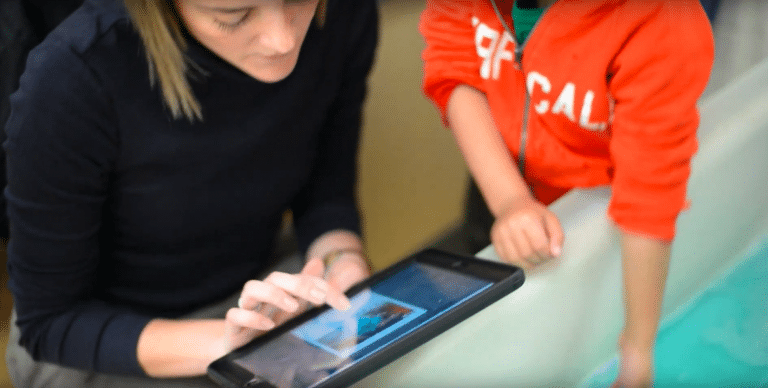
‘Edsby Capture’ gives K-12 teachers new, image-based ways to gather, organize, assess and share evidence of student progress.
In their own words
258School district, Government, Teacher, Admin and Parent testimonials
When you see all of your stakeholder groups engaging with one tool, you know you chose the right tool.
I love forming groups, messaging students, and getting notified when there’s something new in Edsby.
Edsby is a gateway into our classroom, and parents love the connection.
Edsby is my main interface for work throughout the day.
I’ve been thrilled with what Edsby can do and how easily it does it. I’m an Edsby addict.
Edsby eases pressure by managing multiple classroom platforms.
Edsby engages our entire school community, including admins, teachers, students, and parents.
Edsby is one of the smoothest implementations I’ve seen. Great product and excellent support.
Parents can be as involved as they want. Easy to use for both admin and parents.
I love submitting attendance from anywhere. It’s so convenient.
Edsby helps me stay up to date with my son’s progress.
I like creating timed or untimed exams in Edsby that auto-grade and go straight to the gradebook.
FAQ
Answers for teachers, school leaders and families.
Yes. Educators can use flipped or hybrid models, and each Edsby class gives students a safe, structured space to interact, share and learn digital citizenship.
Yes. Edsby supports learning in the physical classroom, through online distance learning, or a mix of the two.
Students document their progress, reflect on their learning and take part in conversations around their assessments. They can also upload photo or video evidence, or submit it with a QR code, and teachers tag it to learning goals.
No. Any number of children, even at different schools, can be linked to one parent login, and other guardians and relatives can have their own Edsby accounts.
No. As students and parents come and go in your official systems, Edsby reflects the changes automatically. There are no codes to send home or lists to update.
Explore other solutions
Edsby is one platform. These pages show it from different starting points.

Talk with our team about your district, region or school.